How to Apply for a Smart ID Card in South Africa (2026 Guide)
Applying for your South African Smart ID Card doesn't need to be complicated. Most of the paperwork can be done from your couch on the eHomeAffairs portal — you'll only need to visit a Department of Home Affairs (DHA) office or a participating bank branch once, so that a live photograph, fingerprints, and signature can be captured. This plain-English guide walks you through the entire Smart ID application process for 2026, including who qualifies, what it costs, how long it takes, and the small mistakes that get most applications rejected.
What is the Smart ID Card?
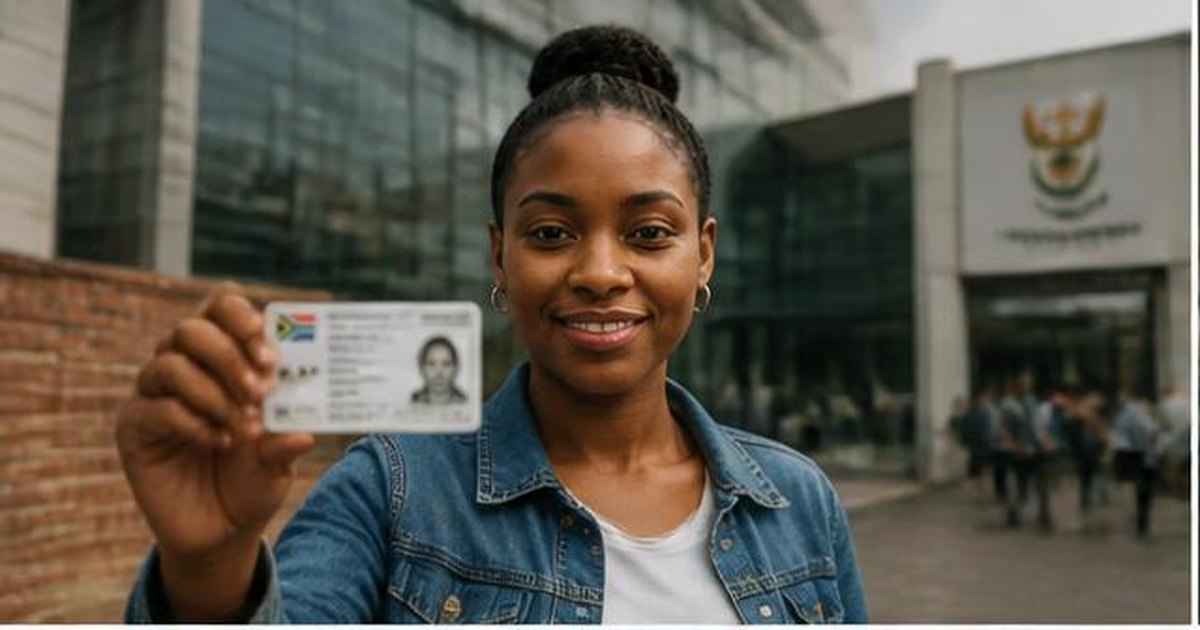
The Smart ID Card is a secure, credit-card-sized biometric identity document issued by the Department of Home Affairs. It replaced the old green barcoded ID book in 2013 and contains a chip that stores your fingerprints, photograph, and personal details. The DHA is progressively phasing out the green ID book, and every South African citizen or permanent resident aged 16 or older is encouraged to switch to the Smart ID Card.
The card is used for opening bank accounts, registering to vote, applying for a driver's licence, claiming UIF or SASSA grants, and proving your identity for almost every government or private service in South Africa.
Who can apply for a Smart ID?
You can apply for a Smart ID Card if you are:
- A South African citizen aged 16 or older
- A permanent resident with a valid permanent residence permit
- A first-time ID applicant turning 16
- Someone whose green ID book, or previous Smart ID, has been lost, stolen, or damaged
- Someone whose personal details (surname, marital status) have changed and need to be updated
What you'll need before you start
Gather these before you begin your online application — missing documents are the number-one reason Smart ID applications are delayed at the branch:
- Your 13-digit ID number (or unabridged birth certificate details if this is your first ID)
- A valid South African cellphone number for one-time PINs (OTPs)
- A working email address
- Proof of residential address not older than three months (utility bill, bank statement, retail account, or a sworn affidavit)
- Your old green barcoded ID book or existing Smart ID Card, if you have one
- For lost or stolen IDs: a DHA-154 loss affidavit sworn at a SAPS station or before a Commissioner of Oaths
- For minors under 16 applying for the first time: parental consent and the unabridged birth certificate
How much does a Smart ID cost in 2026?
- First-time applicants (turning 16): Free
- Senior citizens (60 years and older): Free
- Standard re-issue or replacement: R140 (as published by DHA)
- Damaged or lost card re-issue: R140 plus any applicable admin fees
Fees are set by the DHA and can change without notice. Always confirm the current amount on dha.gov.za before paying.
The simple 5-step Smart ID application process
1. Register on eHomeAffairs
Visit ehome.dha.gov.za and create an account using your ID number and a strong password. You'll confirm your cellphone number and email address with one-time PINs. If you already have a bank account with FNB, Absa, Capitec, Standard Bank, Nedbank, Discovery Bank, or Investec, you can also start the process from within your banking app.
2. Complete the online application form
Once you're logged in, complete the Smart ID application form. This replaces the paper Form BI-9 that used to be filled in by hand at the branch. Upload clear scans of your supporting documents — ID, birth certificate, proof of address — and double-check that the details match your Home Affairs record exactly.
3. Pay the R140 fee (or nothing if it's free for you)
Pay online through internet banking or your mobile banking app. First-time 16-year-olds and applicants aged 60 or older are exempt. If you prefer, you can select "pay at branch" and settle the fee when you go in for your biometrics.
4. Book your appointment
Choose a Home Affairs office or a participating bank branch and pick a time slot. Bank branches (FNB, Capitec, Standard Bank, Absa, Nedbank, Discovery Bank, Investec) usually offer shorter queues than DHA offices. Walk-ins are still accepted at DHA branches, but expect long waits, especially near month-end.
5. Go in for your photograph and fingerprints
This is the only step you can't complete online — your biometrics must be captured in person. Bring your original documents, your printed confirmation letter, and your old ID book or previous Smart ID Card if you have one.
That's it. You'll receive an SMS when the card is ready to collect — usually within 10 to 14 working days, though bank branches often turn cards around faster. You must collect the card yourself; nobody can collect it on your behalf.
How to check your Smart ID application status
You have three options for tracking your application:
- eHomeAffairs portal: Log in and check the status of your application in real time
- SMS status check: Send an SMS containing the word ID followed by your 13-digit ID number to 32551 (R1 per SMS)
- Home Affairs contact centre: Call 0800 60 11 90 (toll-free during office hours)
Applying for a Smart ID at your bank
The eHomeAffairs partnership with major banks is one of the biggest recent improvements to the Smart ID application process. Participating banks include FNB, Absa, Capitec, Standard Bank, Nedbank, Discovery Bank, and Investec. The process is identical to applying at a DHA office, but with three real advantages:
- Shorter, calmer queues
- Longer opening hours (including Saturdays at some branches)
- Faster average turnaround (often 5–10 working days)
The bank still charges the DHA fee — not an additional bank fee — and your card is issued by Home Affairs, not the bank.
Common reasons Smart ID applications are rejected
Most rejections come down to small paperwork problems. Avoid these:
- Blurry, cropped, or partial scans of supporting documents
- Proof of address older than three months
- A loss affidavit that was not sworn at SAPS or before a Commissioner of Oaths
- A mismatch between the surname on your birth certificate and on your current ID
- Damaged or torn documents that can't be verified
If you're rejected, the DHA official will tell you exactly what to fix. You do not need to start the online application over — just supply the corrected document.
After you receive your Smart ID Card
Once you collect your Smart ID, update the following as soon as possible:
- Your bank accounts (most banks now accept the Smart ID Card only, not the green book)
- SARS eFiling profile
- Your driver's licence records
- Your employer's HR file
- Any medical aid, retirement fund, or insurance provider
Your old green ID book is cancelled the moment your Smart ID is issued. Keep it until you have physically collected your new card, then destroy it or hand it back at Home Affairs.
Frequently asked questions
Do I still need a green ID book if I have a Smart ID? No. The Smart ID Card is your only official ID document once it has been issued. The green ID book is cancelled automatically.
Can I apply for a Smart ID online without ever going to Home Affairs? No — the biometric capture (photo, fingerprints, signature) must be done in person, either at a DHA branch or a participating bank. Everything else can be done online.
How long is a Smart ID Card valid? There is no expiry date on the Smart ID Card for South African citizens. Permanent residents' cards are valid for the duration of their permanent residence permit.
Can I use my bank app to apply? Yes, if you bank with one of the participating banks. The app links to eHomeAffairs and simplifies the online form. You'll still need to visit the branch for biometrics.
References and official sources
- Department of Home Affairs, Smart ID Card — official page
- Department of Home Affairs, eHomeAffairs online booking portal
- Department of Home Affairs contact centre: 0800 60 11 90
- South African Government Services, Apply for an identity document
- Home Affairs Guide South Africa, Smart ID Card Application South Africa in 2026
- South Africa Portal, Smart ID Application — How To Apply Online
- Banking Association South Africa, Smart ID and passport services at banks
Last reviewed: July 2026. Fees and processing times are set by the Department of Home Affairs and can change at any time — always confirm current figures on the official DHA website before you pay or apply.